Deposit Money into Your Rumos Account
Before your first deposit
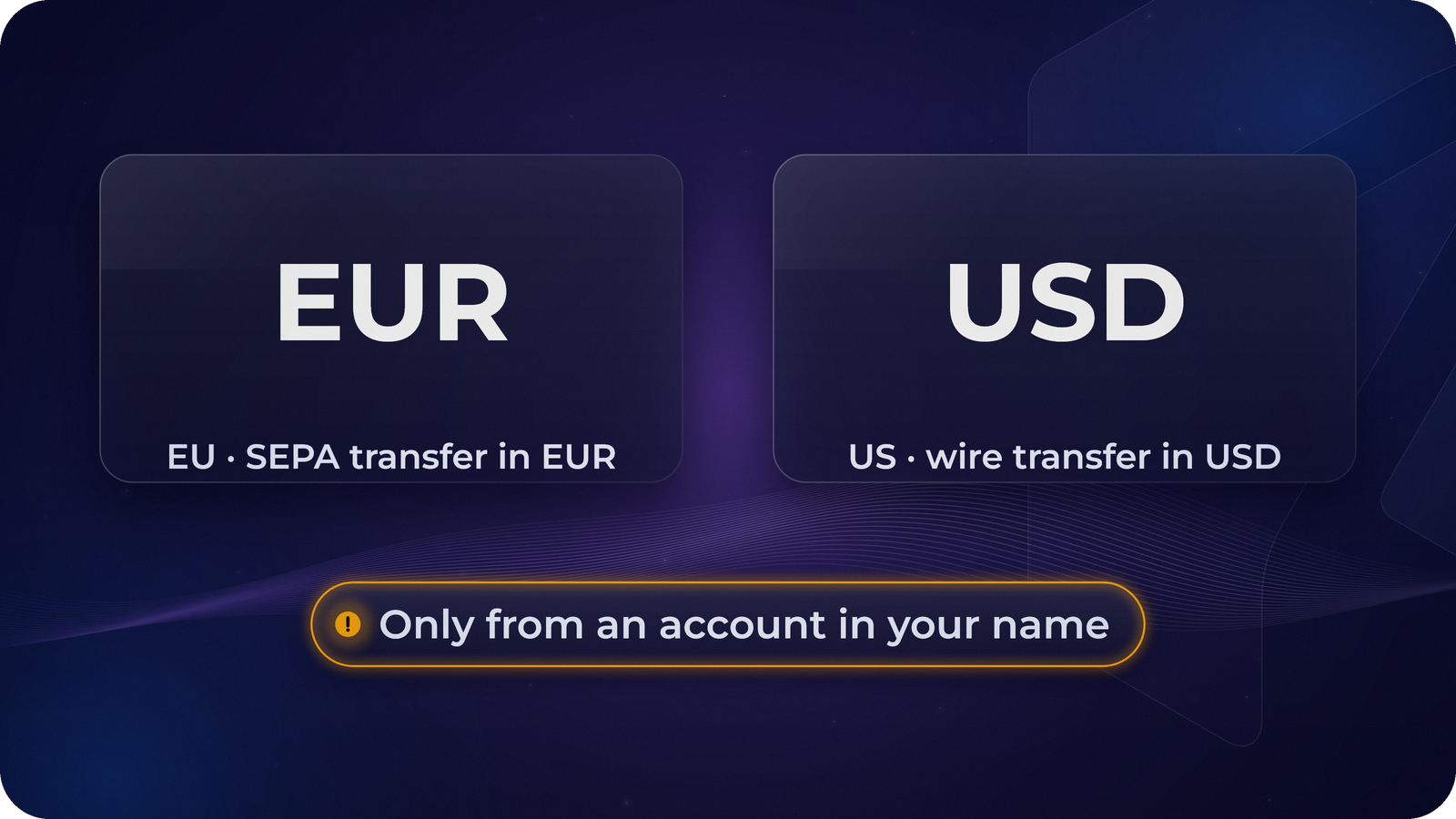
Before you can buy crypto in Rumos, there has to be money in your account, and it arrives by bank transfer. How depends on where you live:
- EU: a SEPA bank transfer in euros (EUR). This is the only way to fund an EU account.
- US: a wire transfer in US dollars (USD). This is the only way to fund a US account.
As of November 2026, ACH transfers and card payments aren’t available yet; more options are planned.
Before you start, finish your verification and use a bank account in your own name. The name on the bank account must match the name on your Rumos account.
If the app asks you to verify your bank, your first deposit does that job: send any amount from your own bank account. It’s credited to your balance, and the app shows you when the check is complete.
Step by step
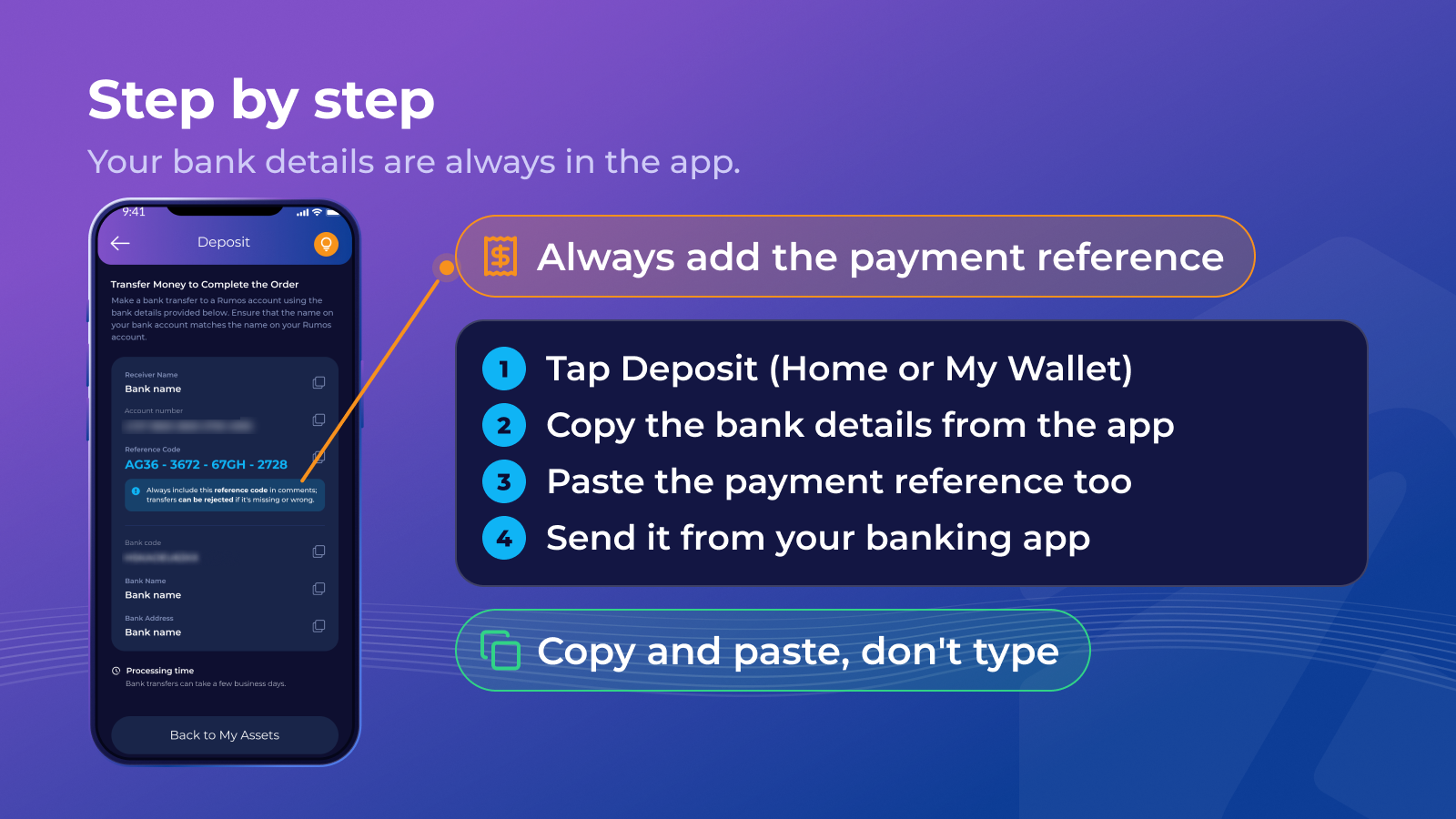
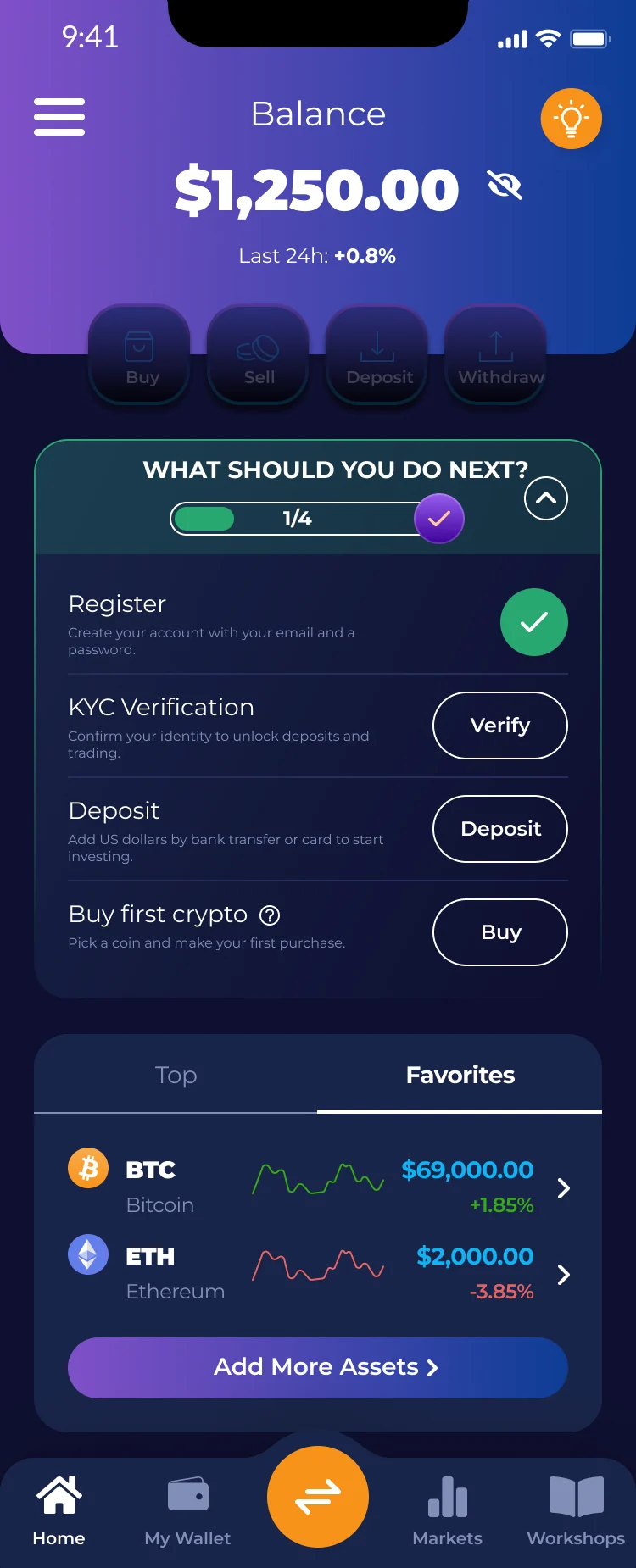
- Tap Deposit on the home screen or in My Wallet, and choose to deposit money from your bank.
- The app shows your bank details: the beneficiary, the account (an IBAN in the EU; an account and routing number in the US) and a payment reference.
- In your banking app, create a new transfer and copy the details exactly. Copy and paste rather than typing.
- Put the payment reference in the reference or memo field. Without it, or with a wrong one, the transfer can be delayed or rejected.
- Send it. The money shows up in your balance once it has arrived and been matched.
Quick check
Marko is about to send his first deposit to his Rumos account. Which of these will cause a problem?
Timing and fees
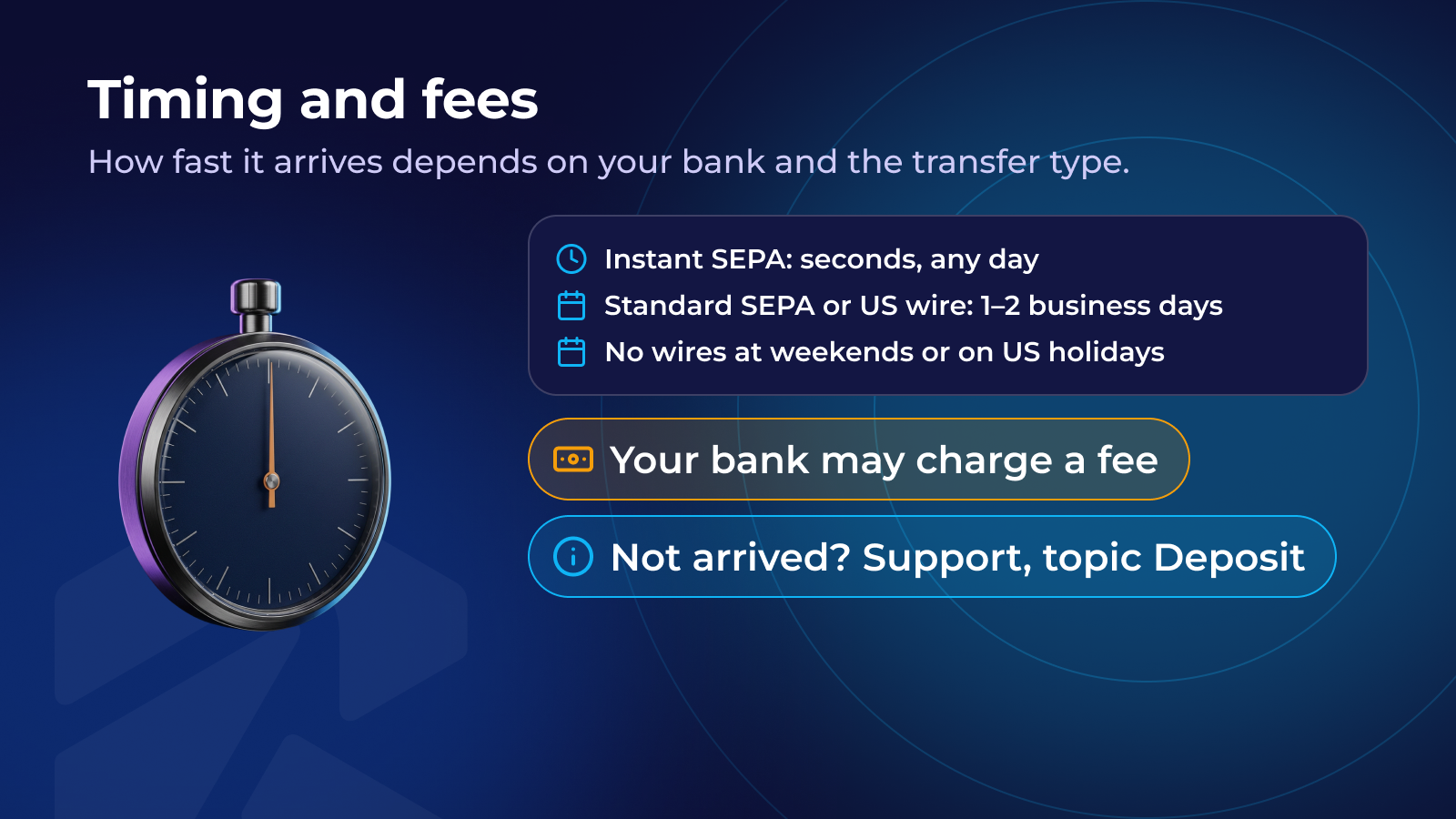
How fast your money arrives depends on your bank and the transfer type. Since October 2025, euro-area banks must offer instant SEPA transfers, which can arrive within seconds, any day, where both sides accept them. A standard SEPA transfer or a US wire takes longer, typically 1–2 business days, and wires aren’t processed at weekends or on US public holidays.
Your bank may charge its own fee for sending, especially for wire transfers; check with your bank before you send. Any Rumos deposit fee is shown in the app.
With Transaction Information notifications on, you get a message when the deposit arrives. If it hasn’t arrived after a few business days, have your bank’s transfer confirmation ready and contact in-app Support, choosing the topic Deposit.
Avoid the common mistakes
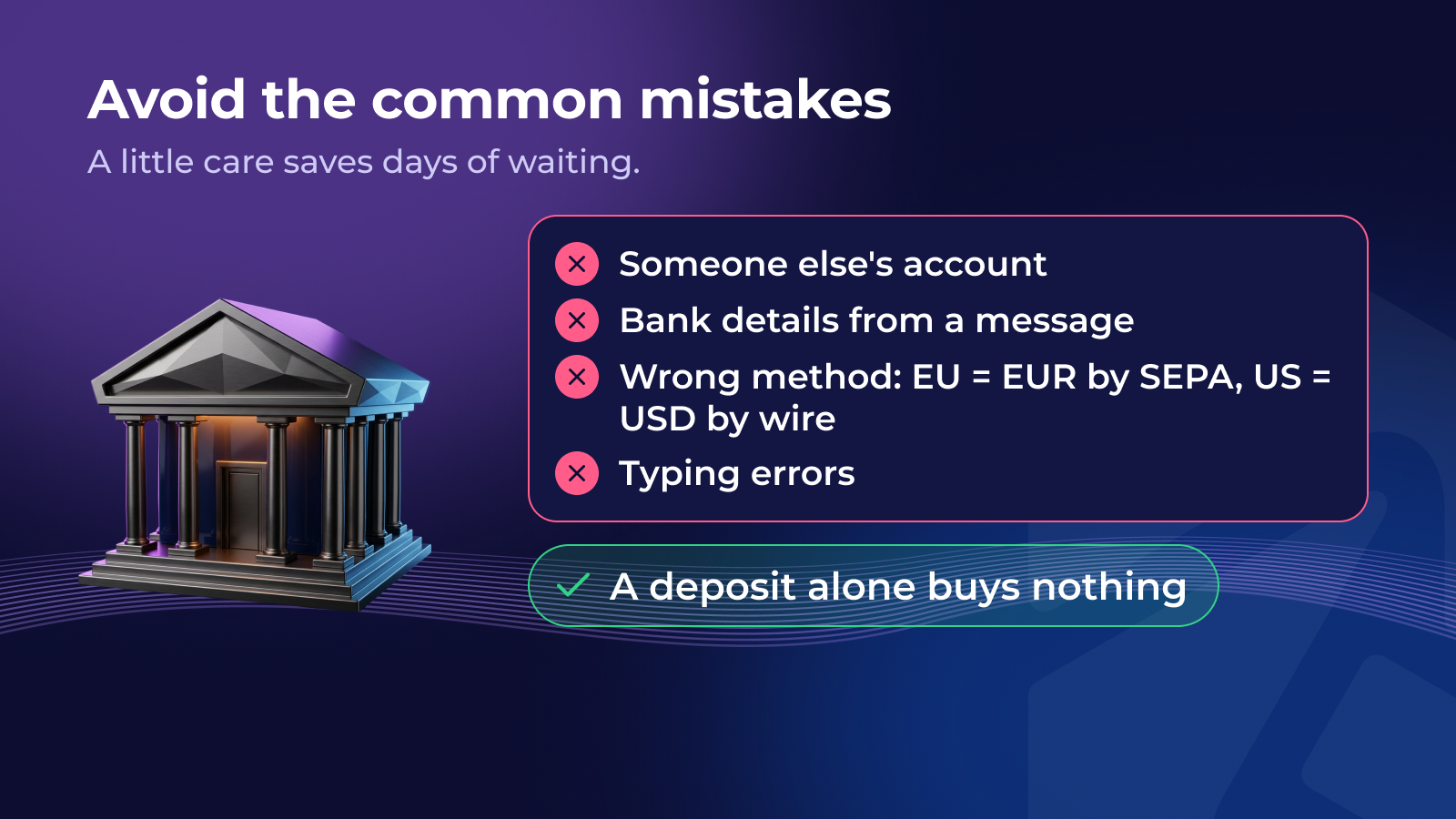
- Paying from someone else’s account. A transfer from a partner’s, a parent’s or a company account can be rejected. Use an account in your own name.
- Old or forwarded bank details. Always take the details from the app when you pay. If anyone sends you different bank details by email, text or chat, don’t pay; check in the app or with Support.
- Wrong method or currency. EU accounts take euros by SEPA only; US accounts take US dollars by wire only. ACH transfers and cards aren’t accepted yet.
- Typing errors. One wrong digit can send money to the wrong place. Copy and paste instead.
A deposit only adds money to your balance. Nothing is bought until you decide to buy.
Quick check
You get an email: “Rumos has new bank details. Please send your next deposit to this account.” What should you do?
Quick check
Which order is right for a bank deposit to a Rumos account?
Recap
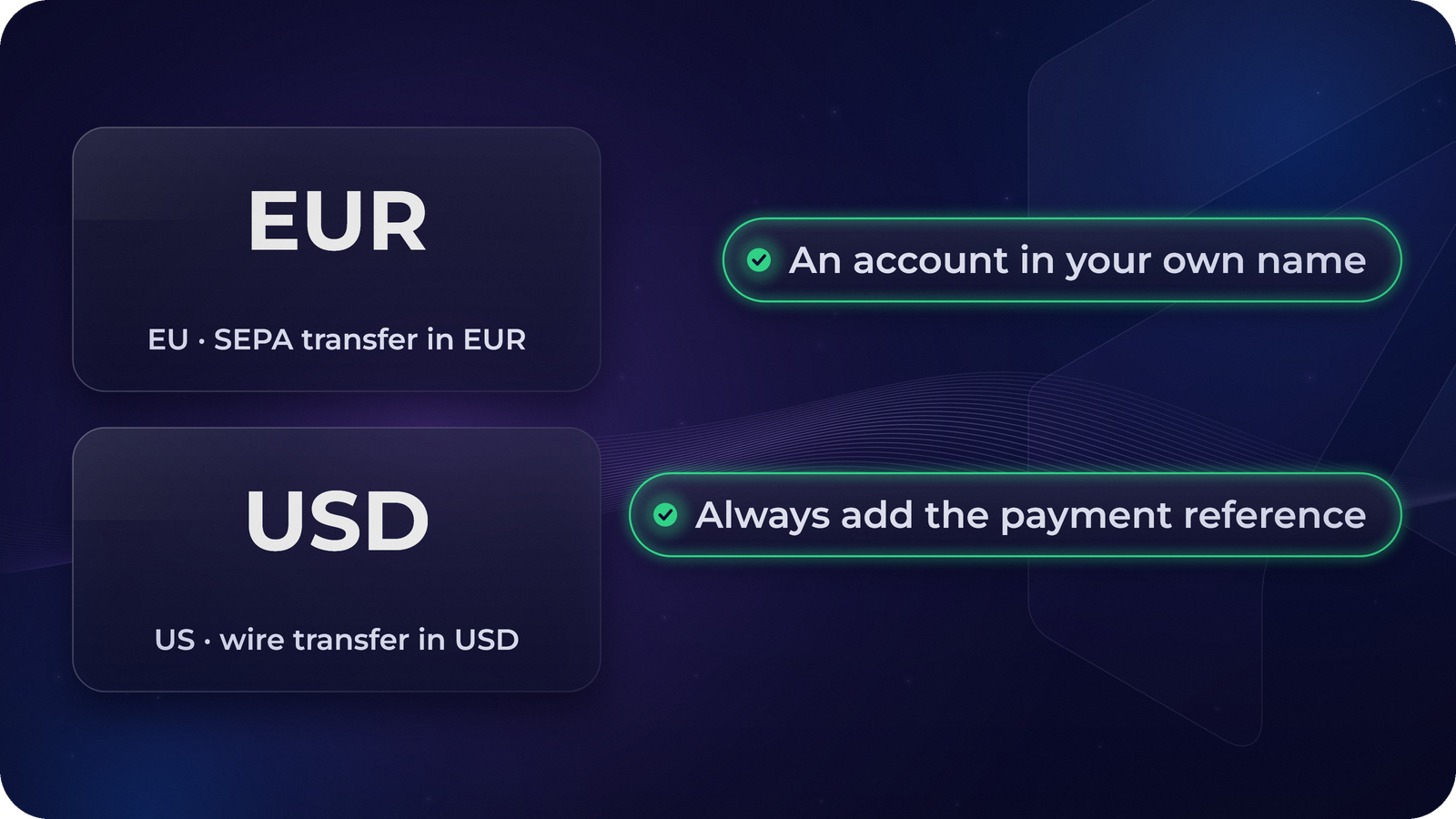
- EU: SEPA transfer in EUR only. US: wire transfer in USD only. No ACH or cards yet (as of November 2026); more options are planned.
- Send from a bank account in your own name.
- Copy the details from the app and always include the payment reference.
- Timing depends on the transfer type; Support can help if a deposit is late.
There’s no need to deposit until you’ve decided to.
Next: how to withdraw money back to your bank. Withdraw Money to Your Bank Account
Lesson complete!
0 / 3
That's the first chapter. Continue this course — and unlock the rest — in the Rumos app.