Market NewsBeginner9 min
How to check a crypto address before you send, after an attack swapped addresses on 178 websites
On 16 November 2026, code planted through Optimizely swapped crypto wallet addresses on 178 organisations' websites, including the BBC, HSBC and Ledger, according to Report URI. Here is what happened, why crypto sent to the wrong address is hard to get back, and a three-step habit to check an address before you send.
By Rumos · 3 hr. ago
In this article
On 16 November 2026, hidden code on the websites of 178 organisations, including the BBC, HSBC and hardware wallet maker Ledger, quietly swapped crypto wallet addresses for addresses controlled by an attacker, according to security firm Report URI. The code got onto those sites through Optimizely, a tool many websites use to test page designs. Optimizely said on its status page on 17 November that it had fixed the flaw and removed the code. The attack targeted one everyday step: copying a wallet address and pasting it somewhere else to send crypto. That is the same step you take when you deposit crypto into Rumos from another wallet or exchange. Rumos does not use Optimizely and was not affected. Here is what happened, in plain terms, and a three-step habit to use every time you send.
Key points: how do you check a crypto address before you send?
- On 16 November 2026, code planted through Optimizely ran on the websites of 178 organisations and replaced crypto wallet addresses with an attacker's, according to Report URI. Optimizely said on 17 November that it had fixed the flaw and removed the code.
- Attacker wallets had received about $7,040 by the evening of 16 November, according to Report URI, a figure not independently confirmed.
- Crypto sent to the wrong address usually can't be brought back, so the check has to happen before you press send.
- A three-step habit helps: compare the start, middle and end of the pasted address with the original, send a small test amount first, and stop if anything on the page looks off.
- This applies to every transfer, including deposits into Rumos: always check the pasted address against the one shown in your Rumos app.
What happened on 16 November 2026?
For most of 16 November 2026, hidden code on 178 organisations' websites swapped crypto wallet addresses for addresses that belonged to an attacker, according to Report URI, whose researcher Scott Helme first reported it. The code reached those sites through Optimizely, a service that companies use to test different versions of their web pages, which runs a small script on each customer's site.
Report URI first saw the code at 04:21 UTC on 16 November, and most sites were cleaned up between about 20:40 and 21:10 UTC that evening. Attacker wallets had received about $7,040 by 19:25 UTC, according to Report URI. On 17 November, Optimizely said an unauthorised party had added "malicious JavaScript to some customer projects", and that it had fixed the vulnerability and removed the injected code. News outlets including CoinDesk and the security firm StepSecurity reported the same number of organisations. The $7,040 figure comes from Report URI and has not been independently confirmed.
Researchers say the code also tried to capture card numbers typed into some payment forms and targeted iPhones running older software. If you paid by card on a large website on 16 November, keep an eye on your card statement, and keep your phone updated.
What is an address swap, and why does it work?
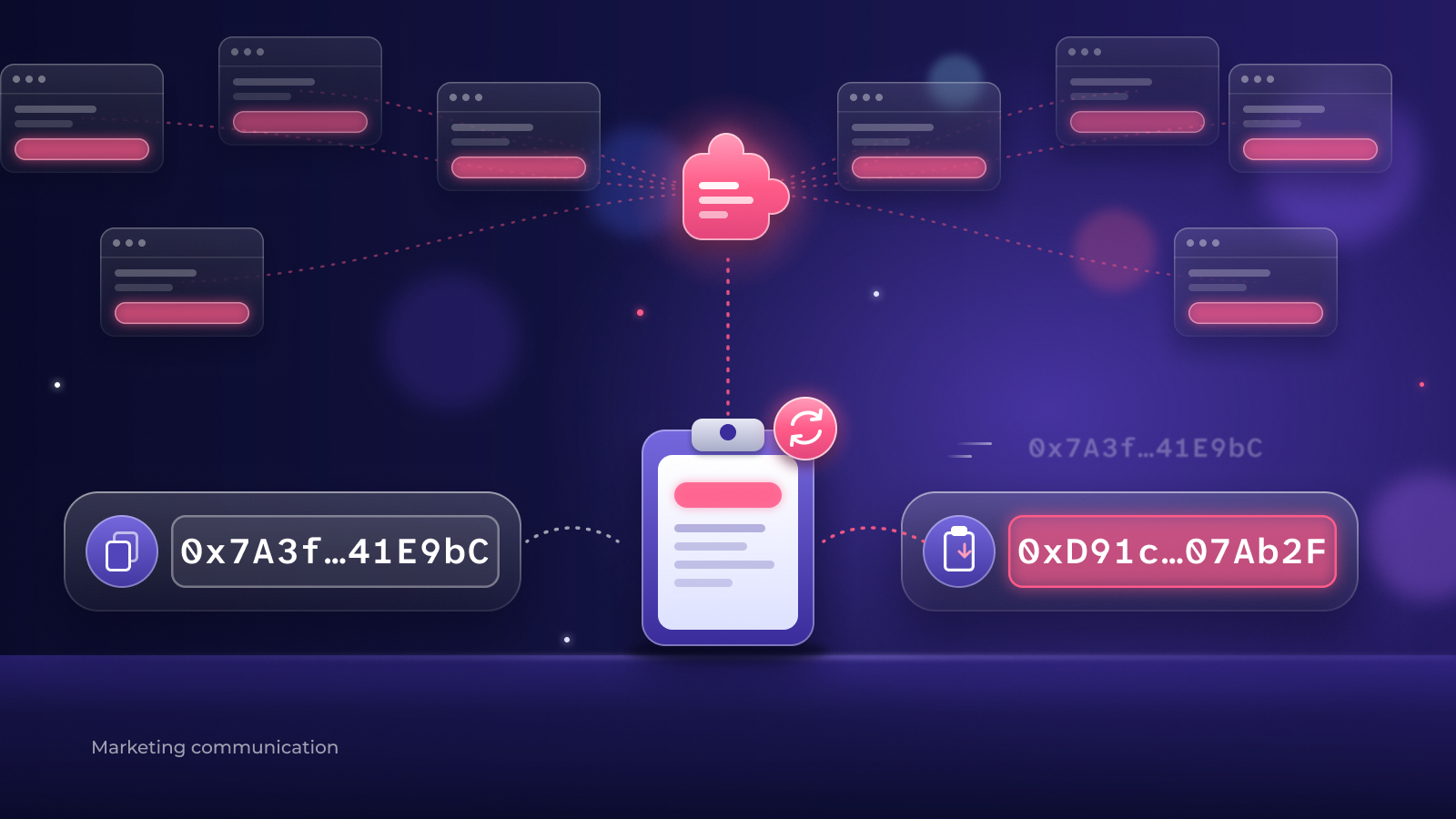
An address swap, sometimes called a clipper, is hidden code that spots a crypto wallet address and replaces it with the attacker's own. A wallet address is the long string of letters and numbers that works like an account number for receiving crypto. It is fine to share, unlike a seed phrase or password.
The swap works because addresses are long and hard to read. Most people copy one, paste it and press send without reading every character. In this attack, the code could change an address shown on a web page, typed into a form or copied to your clipboard, according to Report URI. So the address you pasted could look normal and still be wrong.
Blockchain transfers can't be reversed by a bank or by the sender. Once a transfer to the wrong address is confirmed, the crypto is usually gone unless the person who received it sends it back.
How do you check a crypto address before you send?
You check a crypto address by comparing the pasted address with the original one, character by character at the start, middle and end, before you confirm. Make these three steps a habit for every transfer, large or small.
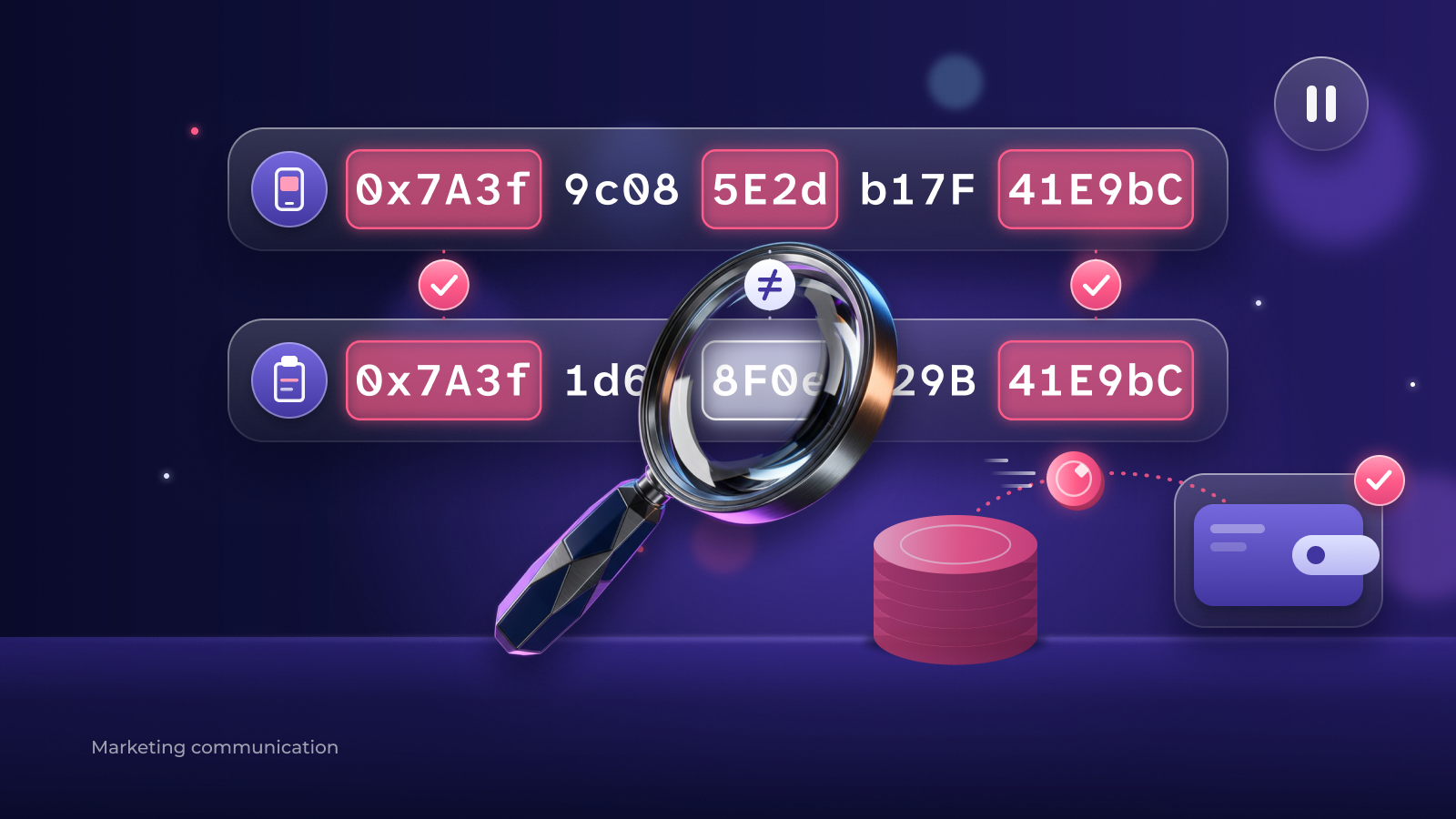
- Compare the start, middle and end. After you paste, read the first six and last six characters and a few in the middle, and compare them with the address in the app or account you are sending to. Compare against the original source, not the web page you copied from, because the page itself may have been changed. Some scams create lookalike addresses that share the first and last characters, which is why the middle matters too.
- Send a small test amount first. Send a small amount, wait until it arrives, then send the rest. A test transfer costs a network fee, but it shows the address is right before more money is at stake.
- Stop if anything looks off. If a page behaves strangely, the address changes after you paste it, or someone is rushing you, stop. Close the page, go back to the original app or account, and start again.
Does this matter when you deposit into Rumos?
Yes. Checking the address matters every time you send crypto, including when you deposit crypto into Rumos. A deposit means copying your Rumos deposit address and pasting it into another wallet or exchange, which is exactly the step this attack targeted.
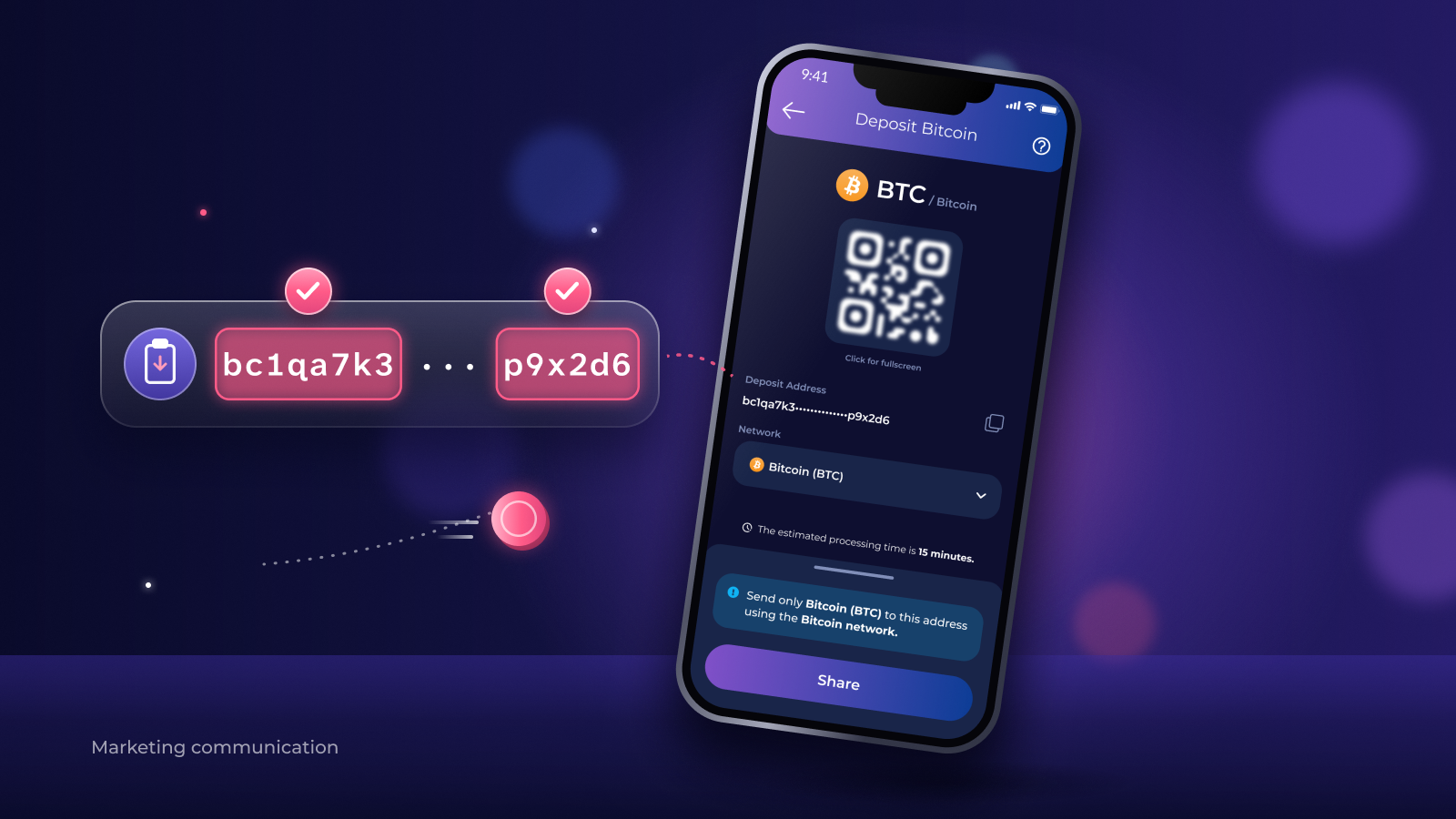
Rumos does not use Optimizely and was not affected by this attack. The habit is still worth keeping, because the risk sits wherever the address is pasted. Before you confirm a deposit, check the pasted address against the deposit address shown in your Rumos app. Rumos has no minimum deposit, so you can send a small test amount first.
What if you've already sent crypto to the wrong address?
If you sent crypto to the wrong address, act quickly and be careful who you trust. Contact the support team of the wallet or exchange you sent from, through its official app or website, and keep the transaction details.
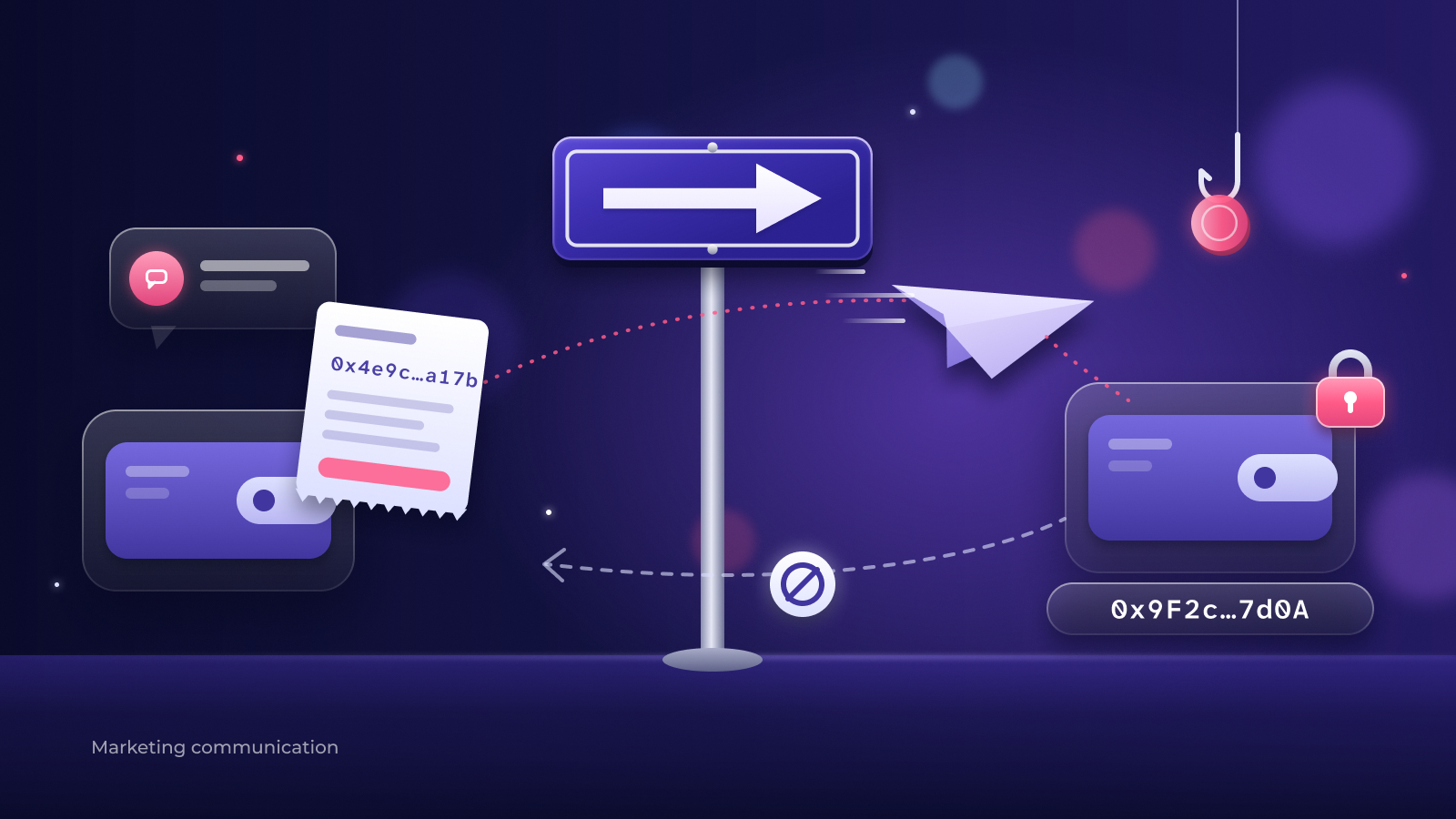
Watch out for strangers who offer to get your crypto back for a fee. After a theft, so-called recovery services often turn out to be a second scam. A real exchange or wallet provider never asks you to pay to get your money back. For more on how attackers trick people, read how one of this year's biggest exchange hacks began.
What you can do now
- Before your next transfer, compare the start, middle and end of the pasted address with the original.
- Send a small test amount first, and send the rest only once it has arrived.
- Keep your phone and browser updated.
- Learn how to recognise common tricks in spot the scam, and how wallets and addresses work in storing cryptocurrencies and introduction to security.
- Join a live session on our workshops page, or read more beginner explainers in our news section.
Questions readers ask
How do I check a crypto wallet address before sending?
Paste the address, then compare its first six characters, last six characters and a few in the middle with the original address in the app or account you are sending to. Then send a small test amount and wait until it arrives before sending the rest.
What is a crypto clipper?
A crypto clipper is hidden code that watches for crypto wallet addresses and replaces them with an attacker's address, so money sent to the pasted address goes to the attacker instead.
Which websites were affected by the Optimizely attack?
Report URI says code planted through Optimizely ran on the websites of 178 organisations on 16 November 2026, including the BBC, HSBC, Zoom, CNN and Ledger. Optimizely said on 17 November 2026 that it had fixed the flaw and removed the code.
Can I get crypto back if I sent it to the wrong address?
Usually not. Blockchain transfers can't be reversed by a bank or the sender, so only the receiver can send the crypto back. Contact the support team of the platform you sent from, and never pay a stranger who promises to recover it.
Was Rumos affected by the Optimizely attack?
No. Rumos does not use Optimizely and was not affected. Whenever you deposit crypto into Rumos, check the pasted address against the deposit address shown in your Rumos app.
Crypto prices can rise and fall sharply, and you could lose some or all of the money you put in. Crypto is not covered by deposit protection. This article is for education, not financial advice.